Configure OAuth Application Restrictions
Within an OAuth Application, Loyalty allows you to allowlist specific domains, endpoints, and / or IP addresses to control which external locations can communicate with Loyalty. An allowlist is effectively a list of approved destinations; if an domain, endpoint, or IP address isn't on this list, the platform can prevent requests to it. Allowlisting improves security by restricting access to the platform to only known, trusted destinations.
To define OAuth Application restrictions:
-
Select Admin from the top navigation bar, then select Access > OAuth Applications from the side navigation menu. The OAuth Applications screen is displayed.
-
Search for and select the desired OAuth Application (see Search for an OAuth Application for more information on the available search options). The OAuth Application Details screen is displayed, with the Restrictions tab selected.
-
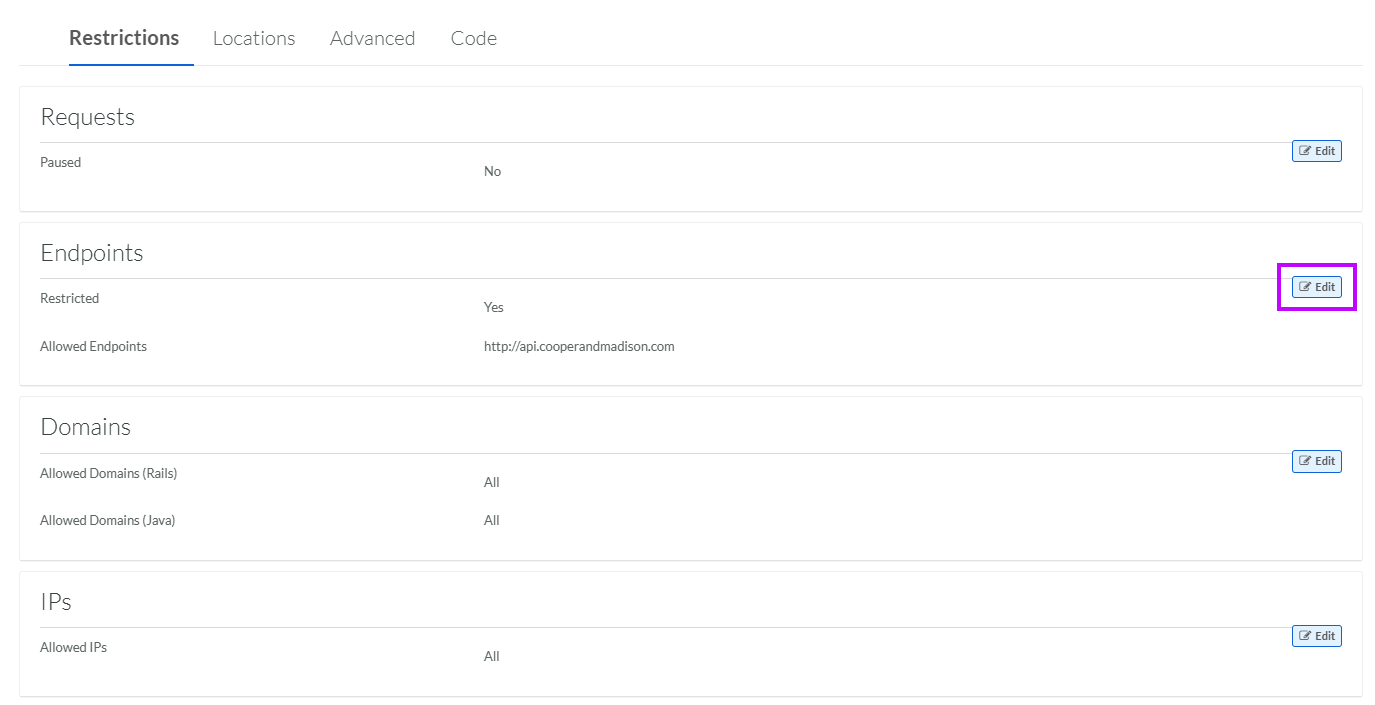
To allowlist endpoints, click Edit within the Endpoints section. A confirmation dialog box is displayed; click Confirm. The Edit OAuth Application pop-up window is displayed.
-
Check Restricted.
-
In the Allowed Endpoints field, enter an allowed endpoint and press Enter. Repeat this step to add additional allowed endpoints.
-
Click Save.
-
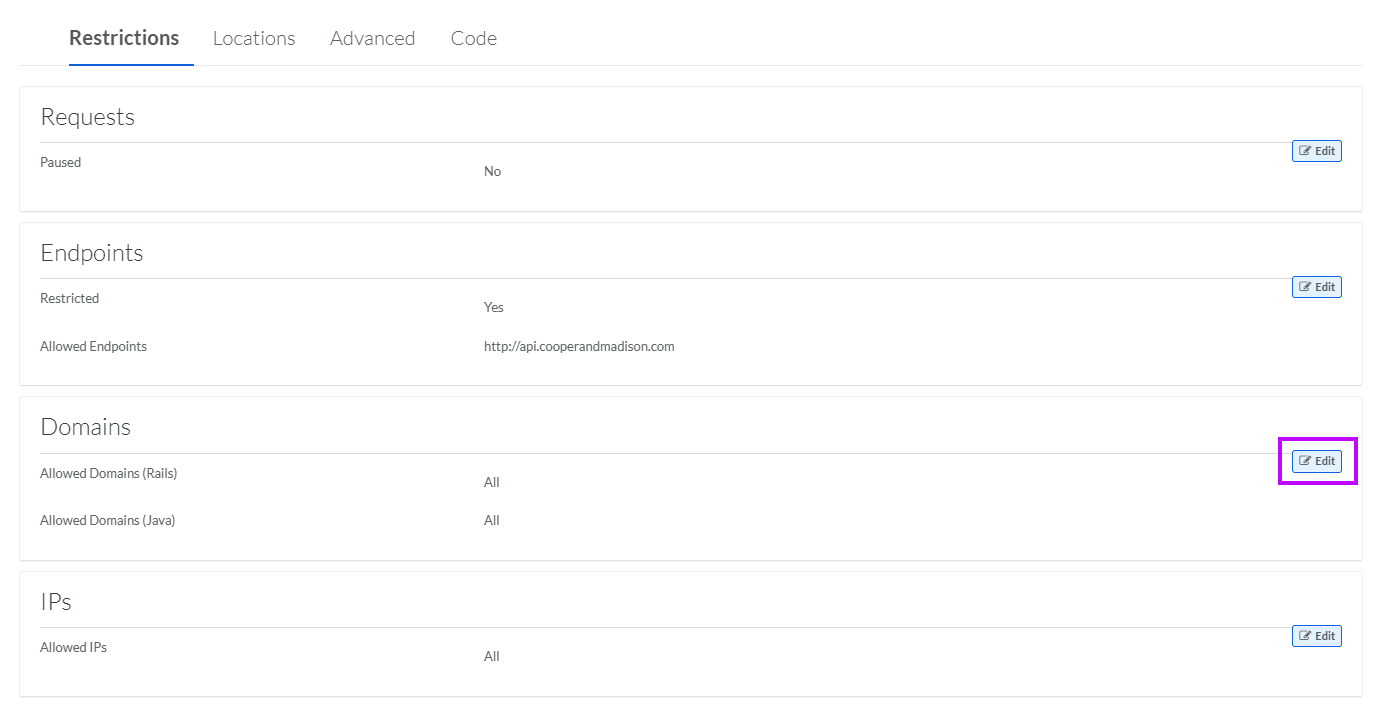
To allowlist domains, click Edit within the Domains section. A confirmation dialog box is displayed; click Confirm. The Edit OAuth Application pop-up window is displayed.
-
In the Java field, enter one or more allowed domains separated by commas.
-
Click Save.
-
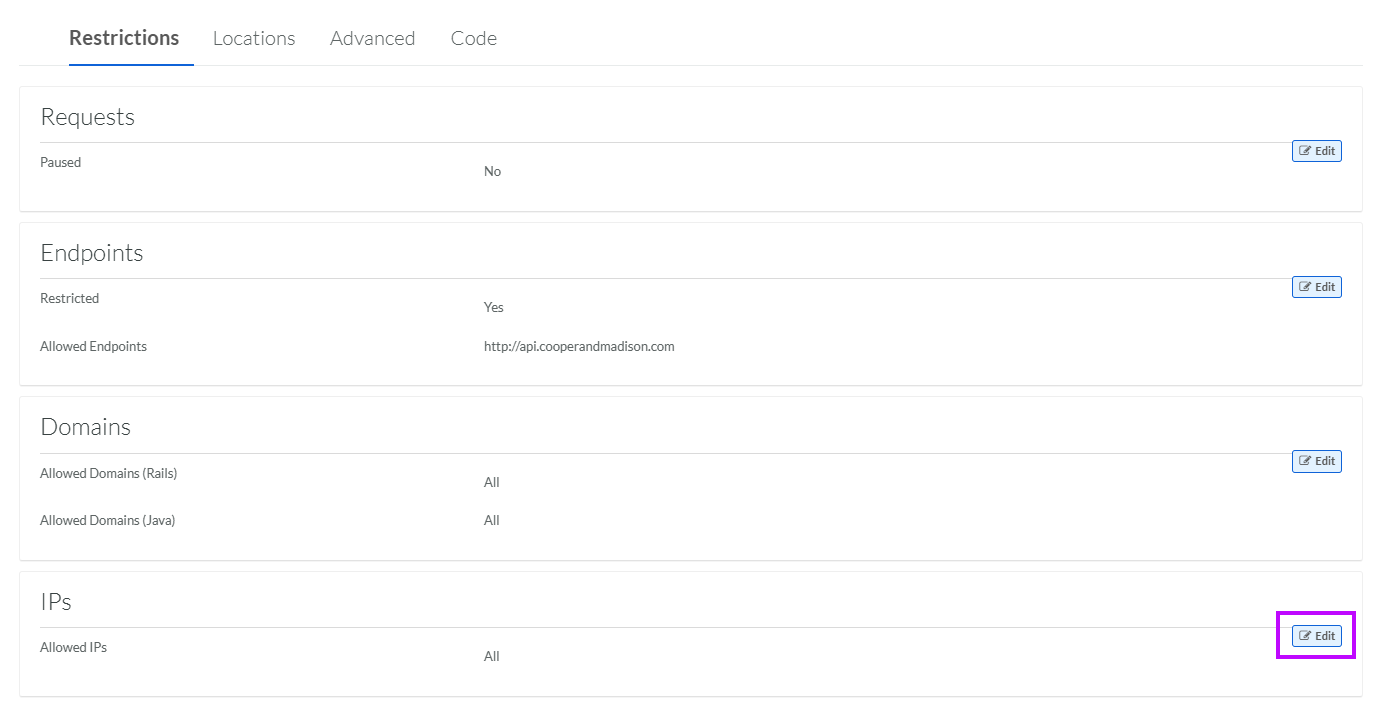
To allowlist IP addresses, click Edit within the IPs section. The Edit OAuth Application pop-up window is displayed.
-
In the Allowed IPs field, enter an allowed IP address and press Enter. Repeat this step to add additional allowed IP addresses.
-
Click Save.